
How to Secure WordPress for Enterprise: The Complete Security Checklist
WordPress is flexible, powerful, and widely used by enterprises, but that also makes it a frequent target for attackers. To run WordPress at an enterprise level, you need to go beyond the basics. This checklist is the framework we use when securing sites for our enterprise customers.
Access and Authentication
- Require strong, unique passwords for every account (16 or more characters with uppercase, lowercase, numbers, and symbols).
- Enforce two factor authentication (2FA) for all users with privileged access. Plugins like WP 2FA make this simple.
- Remove shared admin accounts. Every person should have their own login.
- Audit user roles regularly and follow the principle of least privilege. Give only the access that is required.
- Force password resets after staff changes or suspected incidents.
Login and Admin Protection
- Change the default wp-login.php URL with a tool such as WPS Hide Login.
- Enable brute force login protection with Wordfence or similar.
- Limit login attempts and block IP addresses after repeated failures.
- Add CAPTCHAs to login pages.
- Disable XML-RPC unless it is required.
- Disable file editing in wp-config.php so attackers cannot change code if they gain admin access.
- Restrict wp-admin access by IP address when possible.
Perimeter and Application Security
-
Use a Web Application Firewall (WAF) such as Wordfence and combine it with host level security such as WP Engine Global Edge Security.
-
Enable rate limiting to stop abusive bots and crawlers.
-
Force HTTPS site wide and use HSTS headers to enforce secure connections.
-
Block directory browsing on the server.
-
Disable PHP execution in upload folders and other non code directories.
-
Add security headers:
- X-Frame-Options or a Content Security Policy to prevent clickjacking.
- X-Content-Type-Options to prevent MIME type attacks.
- Referrer-Policy and Permissions-Policy to restrict data leakage.
Forms and User Input
- Protect forms with Google reCAPTCHA and honeypot fields.
- Enable clickjacking protection on any page with forms.
- Validate and sanitize all user input.
- Rate limit form submissions to reduce spam and abuse.
Plugins and Themes
- Keep all plugins and themes updated on a regular schedule.
- Patch high risk vulnerabilities as soon as possible.
- Remove unused or abandoned plugins and themes.
- Verify plugin and theme sources. Only install from trusted developers.
- Monitor plugins for public vulnerabilities. For example, Elementor version 3.27.1 was impacted by CVE-2024-13445.
Monitoring and Scanning
- Run automatic malware and vulnerability scans with Wordfence or similar.
- Enable file integrity monitoring to detect unauthorized changes.
- Enable live traffic monitoring for suspicious requests and failed logins.
- Forward alerts to Slack or email for real time response. WP Mail SMTP or Site Mailer can handle reliable email delivery.
- Log all administrator actions for auditability.
Hosting and Server Hardening
- Choose a host with enterprise grade security such as WP Engine.
- Enforce least privilege on server accounts.
- Keep PHP, MySQL, and server packages up to date.
- Limit access to the wp-content directory and prevent direct execution of sensitive files.
- Use database credentials that are unique and complex.
- Backup the database and site files daily and test recovery regularly.
Incident Response
- Create and document an incident response playbook. Include steps for scanning, blocking malicious IPs, removing unauthorized accounts, and escalating to the host.
- Test the response plan regularly with tabletop exercises.
- Define communication workflows so that the right teams are alerted immediately.
Extra Enterprise Considerations
- Use staging and development environments for testing. Never test in production.
- Apply monitoring to plugin performance. Some plugins such as Query Monitor should only be active for trusted admins.
- Use SMTP plugins such as WP Mail SMTP or Site Mailer to ensure reliable email deliverability and logging.
- Regularly audit third party integrations like TranslatePress, Gravity Forms, and SearchWP for updates and security practices.
- Disable or restrict the WordPress Importer and other rarely used tools once setup is complete.
Wrapping Up
WordPress security at an enterprise level requires a layered strategy. Access controls, login protections, firewalls, HTTPS, secure forms, plugin hygiene, monitoring, hosting hardening, and a strong incident response plan all work together to reduce risk.
Security is not a one time checklist. It is an ongoing process of monitoring, updating, and adapting as threats evolve. Enterprises that treat security as continuous improvement are the ones that can confidently run WordPress at scale.
If you’re interested in securing your WordPress site and would like to audit your setup, please reach out to us!

AI and Automation
Why Companies Are Blowing Their AI Budgets by May
This week, Uber's President and COO, Andrew Macdonald, said the company burned through its entire 2026 AI coding tools budget in just four months.
AI and Automation
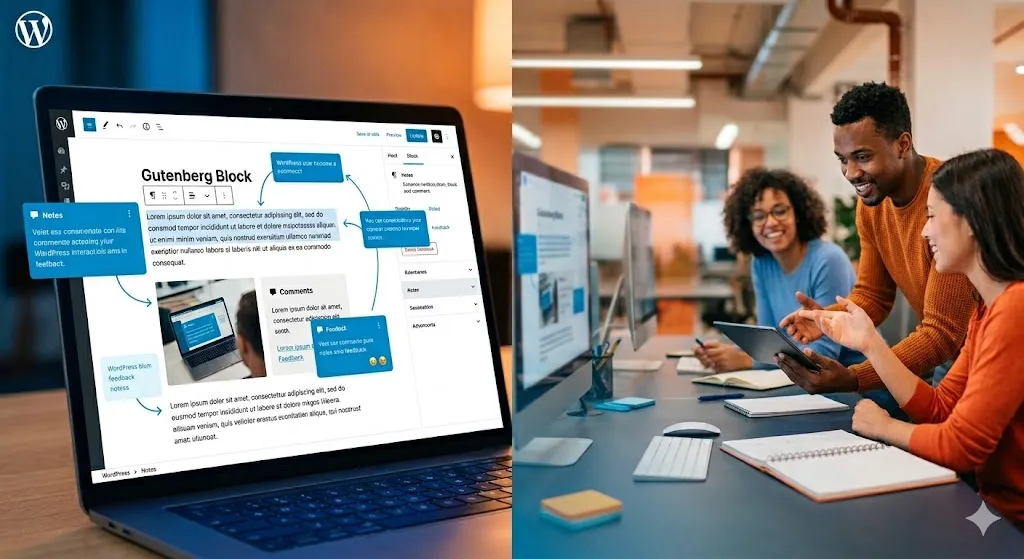
WordPress 7.0: How Real-Time Collaboration and AI Infrastructure Change Your Marketing Workflows
WordPress 7.0 launches April 9. Discover how real-time collaboration, AI connectors, and modern workflow tools can streamline your marketing team. What's coming and why it matters now.

Building Software
Phase 4: Scale and Operate — How to Run a Product That’s Built to Last
Phase 4 is where a validated product becomes a durable business. Learn how to operate, monetize, and evolve a product that's built to last.