
Case study · Public libraries
VRtality
Teen Mental Health Program Toolkit for The Seattle Public Library
The Seattle Public Library created VRtality, a program where teens and library staff co-design a virtual reality experience to support teen mental health. We built vrtality.org so other libraries could launch it, including two wizards that turn a librarian's answers into a custom PDF roadmap and session guide.
Overview
VRtality is a program from The Seattle Public Library that supports positive teen mental health. Teens work with library staff as equals to co-design a virtual reality experience over several months, meeting every other week. The library piloted it with DC Public Library and Fayette Public Library, Museum & Archives, with funding in part from the Institute of Museum and Library Services and research support from the University of Washington.
The library wanted other libraries to be able to run the program on their own. We built vrtality.org, the toolkit that shows them how: a guide from first planning steps to the final session, and two wizards that turn a librarian's answers into a custom plan.
The Challenge
Launching VRtality takes more than good intentions. A library needs the right team, enough teens, VR headsets and software licenses for everyone in the room, and a session plan that fits its calendar and whether it meets online, in person or both. The answers are different for every library.
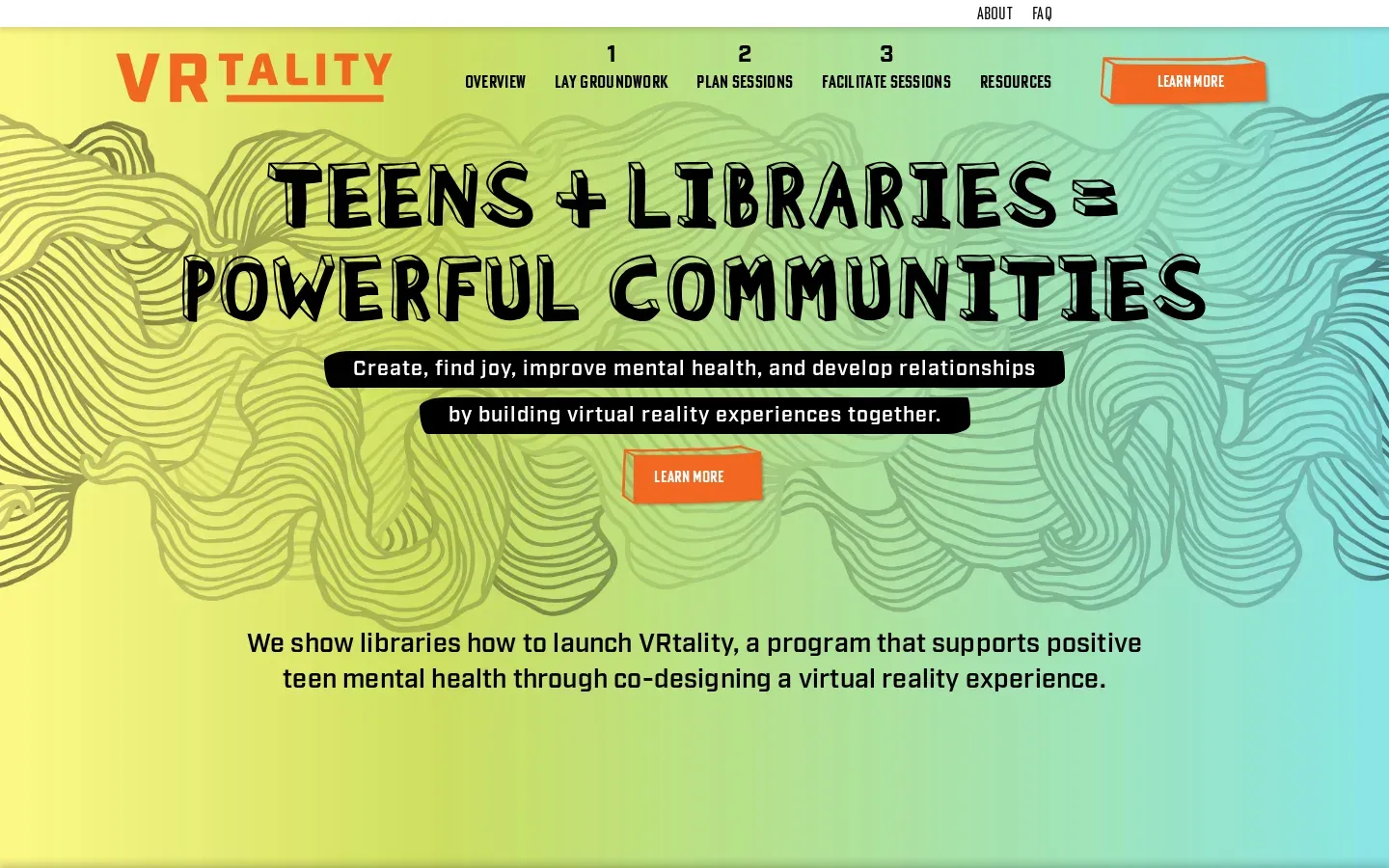
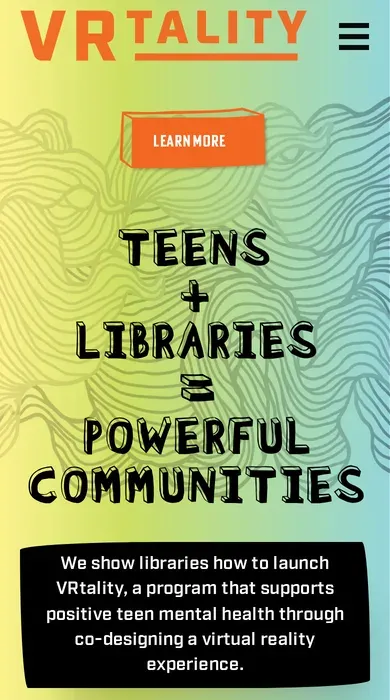
The site also had to look like the program: a hand-drawn, colorful design, custom fonts, and printable guides laid out by a designer, not plain text. Those guides had to change with each library's answers and still look designed.
What We Built
A step-by-step guide for library staff
A WordPress site with a custom theme, organized the way a library would run the program: lay groundwork, plan sessions, facilitate sessions. Pages cover building a team, recruiting teens, selecting the technology, scheduling and structuring sessions, design sprints, and online versus in-person facilitation, with a sample design sprint on an embedded Miro board.
A Roadmap Builder that shows what's missing
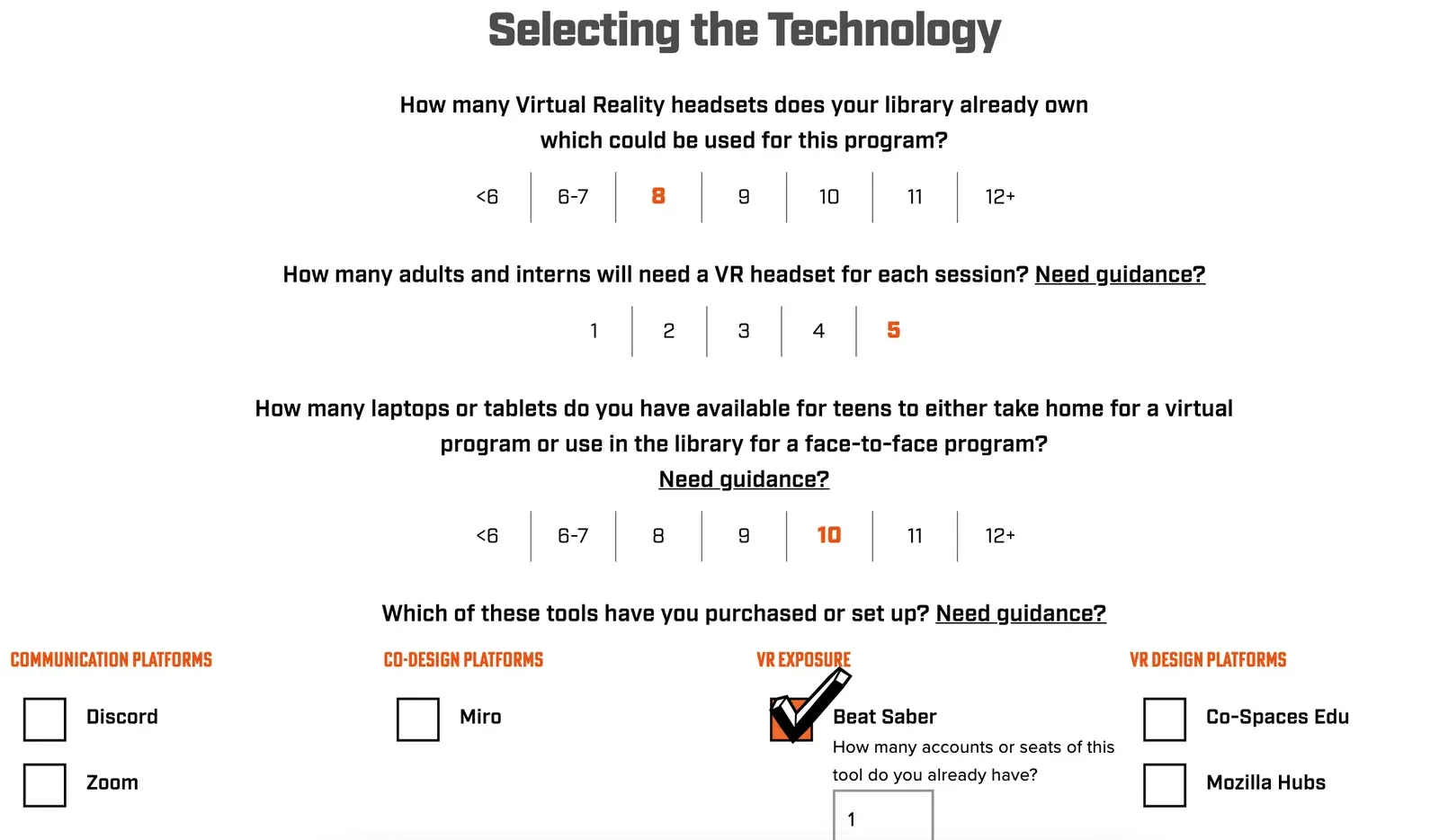
A four-step wizard asks about the library, its team, its teen recruiting plans and the technology it already has. It then generates a PDF roadmap with the library's name on the cover and a checklist for each area. Required items that are missing are flagged in orange, and the report does the math: if a library plans for 10 teens and 5 adults but owns 8 headsets, it says "You need 7 more." Whether an item is required can depend on the group size the librarian entered.
A Session Planner sized to the library
A second wizard asks about program length, location and the group's VR experience, then picks which of the 13 co-design sessions to include. The session guide PDF includes only those sessions and renumbers them so the plan reads in order. No account or login is needed for either wizard.
Printable guides that match the design
The PDFs were designed in InDesign, with hand-drawn checkboxes, tip boxes and illustrations. We rebuilt those layouts in code so each report is filled with the library's answers, with a table of contents whose page numbers update and a file name dated for the day it was made.
A site with the program's personality
Gray gems in the margins scroll slower than the page and turn colorful as sections pass over them. Every main section has its own gradient, and the navigation hides on scroll down and returns on scroll up. The resources section organizes outside links by topic, alongside the lesson plans, field notes and Miro boards from the library's pilot.
Launch and a second phase
We tested on desktop, Android and iOS, launched the site in January 2022, and made the homepage editable in WordPress. In August 2022 we added a new navigation layer, a "What is VRtality?" page and an informational videos page ahead of a live webinar for libraries.
Results
- A public toolkit any library can use to plan and launch VRtality, free and without an account.
- Custom PDF roadmaps that tell each library exactly what it still needs before launch.
- Session guides tailored to each library's schedule, format and experience with VR.
- A launch in January 2022, followed by a second phase that supported the program's outreach to other libraries.